In today’s busy project management landscape, simplicity and effectiveness matter more than ever. Teams need software that supports the way they actually work, not tools that add extra clicks, confusion or administrative drag.

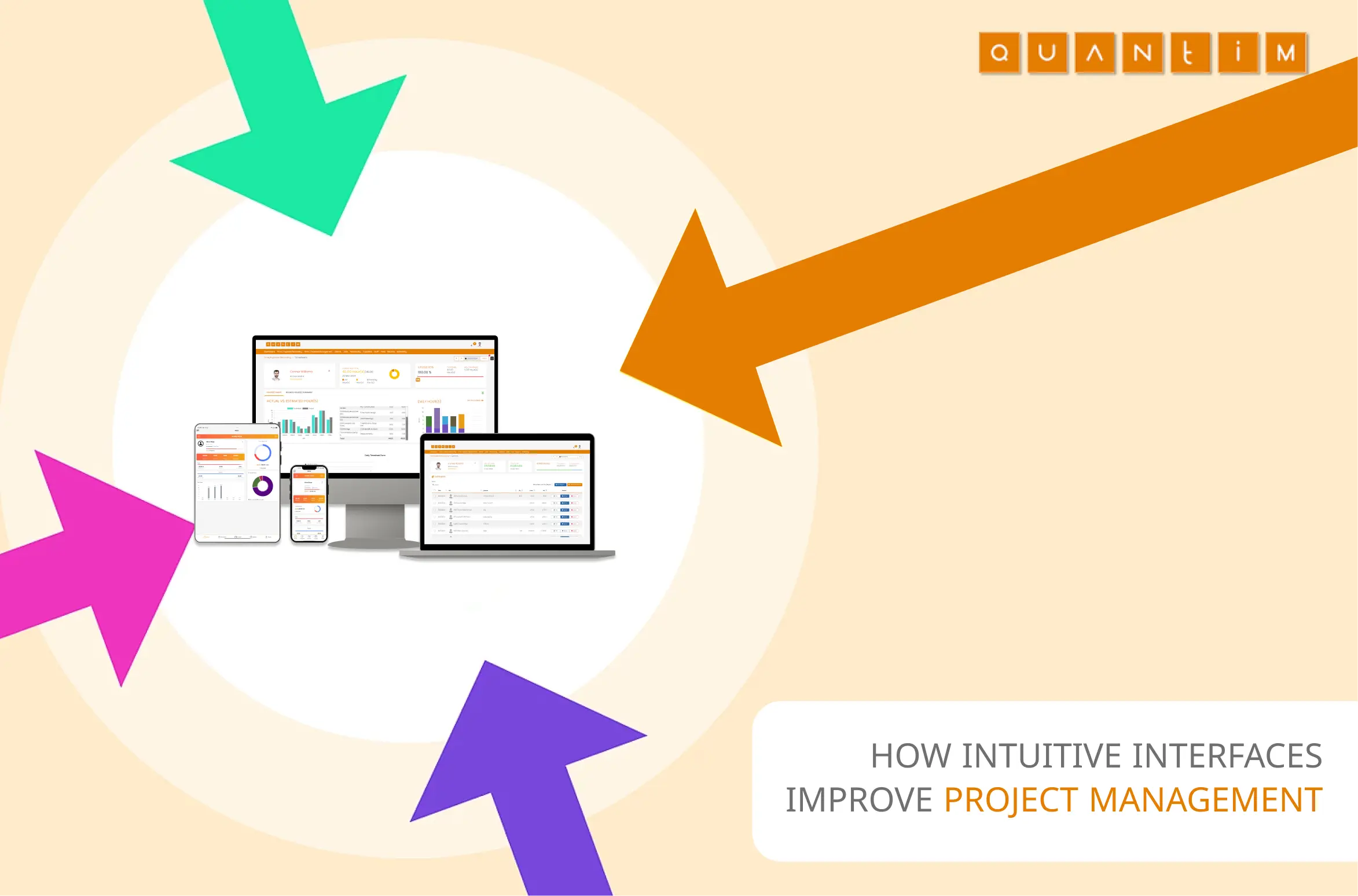
In today’s busy project management landscape, simplicity and effectiveness matter more than ever. Teams need software that supports the way they actually work, not tools that add extra clicks, confusion or administrative drag.
Yet many organisations still struggle with clunky platforms that are difficult to learn, hard to customise and disconnected from everyday workflows. This is where user experience becomes essential. A user-centric project management tool helps teams plan, monitor and complete work with less friction, stronger adoption and clearer collaboration.
Quantim is designed around that principle. By focusing on usability, visibility and practical workflow control, it helps teams spend less time fighting software and more time delivering successful projects.
User-centric design is a software design approach that places users’ needs, habits and working patterns at the centre of the experience. Rather than forcing teams into rigid processes, it creates interfaces that feel intuitive, accessible and aligned with real project activity.
In project management software, this means dashboards are easy to understand, actions are simple to complete and important information is visible when users need it. Strong user-centric design also relies on research, testing and feedback loops, so the product continues to improve as teams and workflows evolve.
Project management involves juggling tasks, deadlines, budgets, resources and stakeholders. If the software itself becomes another obstacle, efficiency suffers. Intuitive interfaces reduce that friction by making project information easier to find, understand and act on.
A well-designed interface helps users get started with minimal training. Clear navigation, meaningful labels and helpful prompts allow teams to understand the system quickly and collaborate sooner. This is especially important when leaders need adoption across mixed teams with different levels of technical confidence.
Intuitive project management software supports smoother communication by keeping tasks, updates and responsibilities visible in one place. Visual timelines, shared project views and real-time notifications help teams stay aligned without relying on endless emails or manual follow-ups.
A good interface reduces the number of steps needed to complete important tasks. When time logging, task updates, reporting and approvals are easy to manage, teams can work faster and with fewer interruptions. This also supports better decision-making, especially when managers need to track, report and prove project value clearly.
Complex systems often lead to missed updates, incorrect entries and poor task visibility. A clean interface with clear feedback helps users understand what has been completed, what still needs attention and where risks are building. That clarity can prevent the kind of mistakes explored in common resource allocation errors.
Teams are more likely to use software consistently when it feels practical and easy to navigate. Higher adoption means better data, stronger reporting and a clearer view of project performance. Without adoption, even the most powerful platform becomes another unused tool.
Quantim allows teams to shape the platform around their project requirements, workflows and reporting preferences. This flexibility helps organisations avoid one-size-fits-all processes and gives users a setup that matches how they already manage work.
Quantim is built with a strong emphasis on usability, helping teams manage projects, time, costs and collaboration from a clear and practical interface.
Quantim dashboards provide a structured view of projects, milestones, task progress and team activity. Instead of digging through disconnected files or spreadsheets, users can see what is happening and where attention is needed. This supports the kind of visibility shown in the Quantim time visibility case study.
Modern teams often work across offices, sites and remote locations, so project information must be accessible from different devices. Quantim’s mobile-responsive design helps users stay updated, review tasks and keep work moving even when they are away from their desk.
User-friendly software should support different working preferences. Quantim’s dark mode option improves comfort for users working in low-light environments or for long periods, reducing strain while keeping the interface clear and usable.
Quantim includes an assistant menu that helps users find guidance across different modules without interrupting their workflow. Quick access to help reduces dependency on external training and supports faster, more confident use of the platform.
New users can get started through interactive onboarding and guided walkthroughs. This helps teams understand core features quickly and encourages consistent use from the beginning, which is essential for accurate tracking and reliable reporting.
Quantim allows users to adjust themes, layouts, two-factor authentication, timesheet views, notifications and preferred homepages. These personalisation options make the platform easier to use every day and help leaders manage complex projects with fewer adoption barriers, alongside practical habits such as the key reminders for managing complex projects.
User-centric design is not just a software trend. It is a requirement for modern project management because teams need tools that are simple, clear and useful in real working conditions. Quantim shows how intuitive design can improve productivity, collaboration, adoption and project visibility.
By prioritising usability, organisations can empower teams to work smarter, reduce avoidable errors and manage projects with greater confidence. Book a Free Quantim Demo